SALESCOMP Sales training for home services teams

Grow your home services sales team

Every field appointment, reviewed. Not sampled.

Record the appointment and SalesComp does the rest. Plaud recordings import and score on their own, with no forwarding or uploads. Each call comes back with a 0–100 score, a Solid, Building or Needs Reps label, strengths, gaps and missed moves, and three coaching cards. You coach from the 1-on-1 Queue.

Email Fitzfitz@sales-comp.com

Trusted by dealers of

Like having your best closer review every single appointment, without borrowing their afternoon. Got our email? Just hit reply.

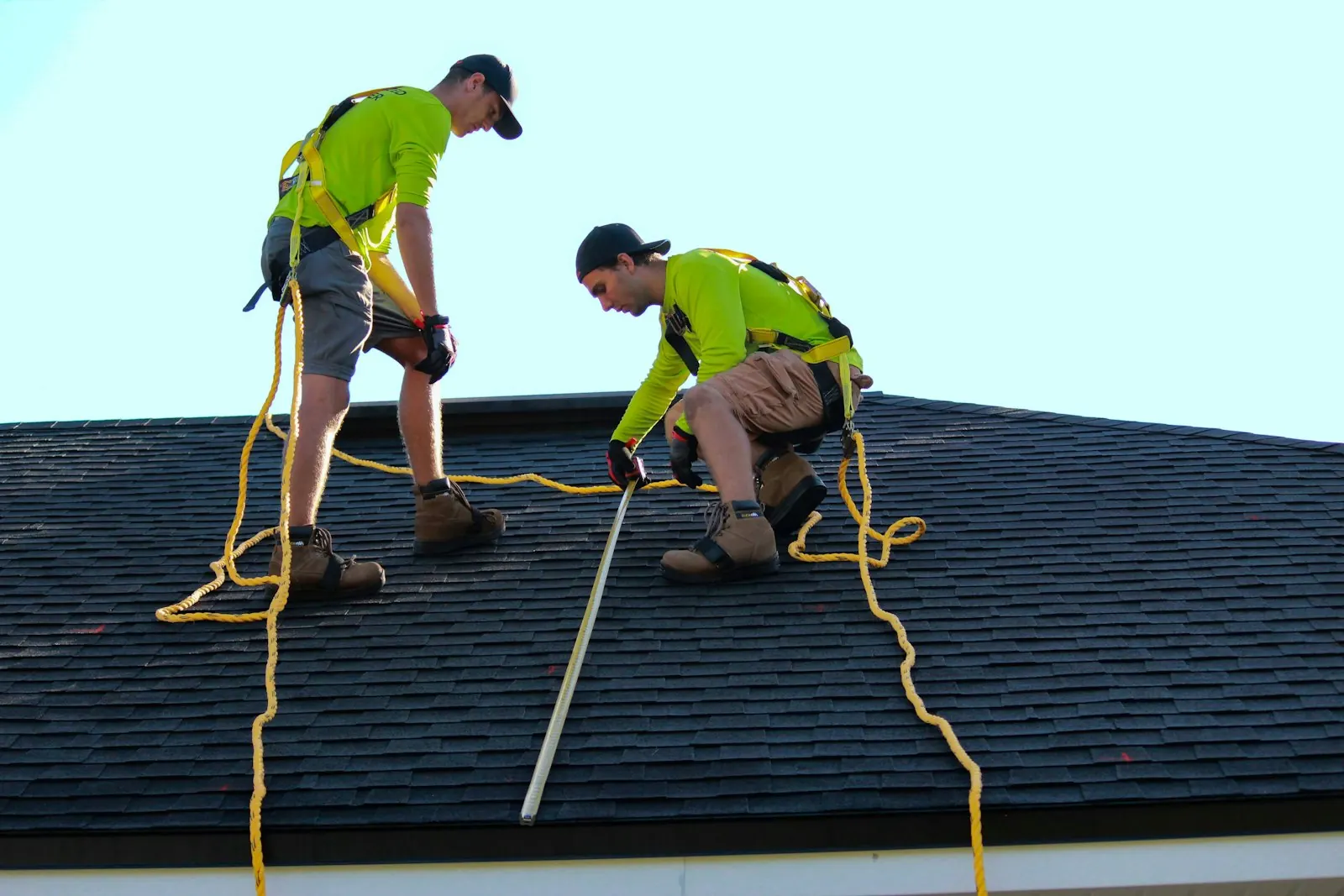
Two roofers in harnesses working on a residential shingle roof
FIELD APPOINTMENT / RECORDED & COACHED

The problem

Adding salespeople isn't the hard part. Ramping them is.

PROBLEM / A

The ramp lives on your calendar

Every new hire needs ride-alongs, role play, and someone reviewing their appointments. That time comes from you or your best closer, which means most weeks it doesn't come from anywhere.

The result: hires stay half-trained, and growth stalls at whatever you personally have time to coach.

PROBLEM / B

The playbook is in your head

What actually closes jobs in your market lives in your instincts and your top closer's habits. New hires get a week of shadowing and a price sheet, then they're alone on a driveway.

Selling skill shouldn't leave the company every time a person does.

PROBLEM / C

The good ones leave before they pay off

Sales reps don't stay long. Slow ramps and thin coaching push people out right when they were about to get good, and every exit restarts the same expensive loop.

Hiring cost, ramp months, empty territory. Turnover is the most expensive line item nobody tracks.

How it works

Every recorded appointment comes back as coaching.

Every recorded field appointment gets reviewed, not sampled. A Plaud recorder rides along, the recording imports and scores on its own with no forwarding or uploads, and each call comes back with a score, strengths, gaps and three coaching cards. Not a single meeting added to your week.

FIELD KIT / PLAUD AI RECORDER

A card-sized AI recorder rides in a pocket or on a lanyard. No laptop, no fumbling with an app in front of a homeowner. Press once, sell like normal.

01
Record in the field

The real conversation, captured hands-free

Each salesperson carries a Plaud recorder on appointments. The door approach, the walk-around, the kitchen-table close, all of it captured while they stay focused on the homeowner.

You finally hear how your team actually sells, not how they say it went in the truck afterward.

SalesComp Integrations card for Plaud, labeled Recorder and Connected: finished recordings import and score on their own, no forwarding, no uploads. Account name blurred.
Plaud, connected in SalesComp settings.
Homeowner opening her front door and greeting a visitor
02
Scored on its own

Every conversation comes back as coaching

Finished recordings import and score on their own. No forwarding, no uploads. Each appointment lands in the Film Room with a 0–100 score and a Solid, Building or Needs Reps label, the strengths, gaps and missed moves, and three coaching cards: Strength, Primary Note and Prescription.

Like having your best closer review every single appointment, without borrowing their afternoon.

03
You coach from the evidence

Coach the right call, then teach the playbook

Needs your eyes tells you which call to coach next and why. Pin any call to a rep's 1-on-1 queue, save the great ones as examples, and study your playbook as a Study Pack in Flashcard, Quiz and Voice modes.

The company owns the selling knowledge. It stops walking out the door with people.

Crew gathered around plans on a job site

The team view

Run the whole sales team from one screen.

The Film Room's Pattern view puts every rep and every recorded appointment on one page. Pick a date range, then click a rep in the roster and the whole page filters to them.

Live product screen from a working account, with every number blurred. Click to enlarge.

Film Room / Pattern view Tiles and roster
SalesComp Film Room Pattern view: five metric tiles (Meetings Recorded, Solid or Better, Next Step Locked, DQ, Needs Review) above a rep roster with Calls, Next-step %, Quality, Trend, Biggest Gap, DQ % and Needs Eyes columns. Names and every number are blurred.
Team view in the Film Room: tiles, a worst-first rep roster, meeting types and objection patterns, filtered to any rep in one click.
01 / Tiles

The whole team at a glance

Meetings Recorded, Solid or Better, Next Step Locked, DQ and Needs Review, for whatever date range you pick.

02 / Roster

See who's climbing and who's quietly stuck

Every rep ranked worst-first, with calls, next-step rate, quality, trend, biggest gap, DQ rate and the calls that need your eyes. Open Coach for the breakdown and each rep's split by meeting type.

03 / Meeting types

Where the volume goes

How many of each meeting type your team ran, how long they run on average, and how often each one ends with its next step.

04 / Objections

Which objections come up, and how well you handle them

A count and a handle rate for every objection, tagged "not in your library" when your playbook doesn't cover it yet.

05 / Needs your eyes

The call to coach next, and why

The calls where one coaching note changes the next call, worst first, each with the scorer's reason.

06 / Where calls leak

Every outcome, worst first

Every outcome by meeting type, with the hit rate, who misses it most and the trend, plus a Set the bar link. Discover new skills and Worth watching surface the calls to study.

Needs your eyes The call to coach next
Needs your eyes list in the SalesComp Pattern view: calls with type, a Needs Reps result and the scorer's reason, each with an Open link. Call names, reps and reasons are blurred.
Worst first, with the scorer's reason. Calls where one coaching note changes the next call.
By meeting type / Objections Where the volume goes
By meeting type table (Nurture Meeting, First Meeting, Product Demo, Lunch and Learn, Pricing Conversation) beside Objection patterns. Counts, lengths and objection details are blurred.
Volume, length and next-step rate by meeting type, next to a count and handle rate for every objection.
Worth watching Calls to study
Worth watching: four curated calls labeled by meeting type with Solid or Needs Reps results, each with a Watch link. Call details are blurred.
Curated calls from the period. Outliers, coaching moments and recovery arcs, one click to watch.

Every call, broken down

Every appointment reviewed, not sampled.

Start from the Film Room call list, click into any call, then coach it in a 1-on-1 and teach the playbook behind it.

Film Room Every recorded call, scored
SalesComp Film Room table view listing calls by meeting type and date, each with a score and a Solid, Building or Needs Reps result, some flagged Needs review, with Table, Pattern and Recordings tabs and Type and Result filters. Meeting names, contacts and reps are blurred.
Every recorded call in one list. Score and result on every row, Type and Needs-review filters, and Table, Pattern and Recordings views.
Call review Open any call
A scored call in SalesComp: Pin to 1-on-1, Save as example, Share and Download transcript buttons above an audio waveform marking strengths and gaps, then the Building label with strengths, gaps and missed moves. Names, numbers and audio details are blurred.
Click into any call. Pin to 1-on-1, Save as example and Download transcript up top, and an audio waveform marking every strength and gap.
Coaching cards Strength / Primary Note / Prescription
The Strength, Primary Note and Prescription coaching cards above Meeting Details with Meeting Summary, Next Steps and a custom Pipeline field. Card text and details are blurred.
Three coaching cards on every call, plus a meeting summary and next steps.
Skill grades Call breakdown
Skill grades on a scored call, such as talk ratio Solid, calibrated questions Building, storytelling Sharp, above a stage-by-stage call breakdown. Transcript excerpts are blurred.
Skill grades and the call arc, stage by stage, with the moments behind each one.
1-on-1 Queue Coach the right call
  • Needs your eyes tells you which call to coach next and why.
  • Pin any call to a rep's 1-on-1 queue.
  • Needs-review flags so nothing slips.
  • Save as example on the calls worth teaching from.
Study Packs Your playbook, teachable
  • Built from your playbook. Your process and the language you want reps using, the way you sell.
  • Flashcard, Quiz and Voice modes so new hires study it before real doors.

What it does for you

One system for the three jobs you never get to.

Roofer working on a residential shingle roof
Pillar 01 / Onboarding

Ramp new hires without ride-alongs

New salespeople study your playbook as a Study Pack, in Flashcard, Quiz and Voice modes, and get coached on every recorded appointment from week one: a score, strengths and gaps, and three coaching cards.

  • Your playbook as a Study Pack (flashcards, quiz, voice)
  • Coaching on every recorded appointment from week one
  • Each new hire's trend on the team roster
Salesperson in conversation with a customer
Pillar 02 / Coaching

Coach every conversation, not just the one you joined

Film Room reviews every recorded appointment against your process. Needs your eyes tells you which call to coach next and why, so every 1-on-1 starts from a real call: what the rep did well, what it cost them, and the Prescription to fix it.

  • Every appointment reviewed, not sampled
  • Pin any call to a rep's 1-on-1 queue
  • Needs-review flags so nothing slips
Well-kept suburban brick house with a large lawn
Pillar 03 / Retention

Keep the ones worth keeping

See who's climbing and who's quietly stuck while there's still time to act. The goal is simple: people who get better faster are more likely to stay, and the hiring loop stops eating your margin.

  • A worst-first roster with each rep's trend and biggest gap, so you see who's stalling while there's still time to coach
  • Quality and trend for every rep, side by side
Coming soon 30/60/90 Training Plans, Assessments, Drills, and Jobber integration

Results

Real numbers from real customers. No wall of logos we'd have to make up.

~3x

Appointments that hit Solid tier or better closed nearly three times as often

When SalesComp rated a conversation Solid or Sharp against the team's own process, the deal closed 58% of the time. Everything below that closed at 21%.

Source: 131 tracked deals, one customer's CRM, real closed-won outcomes. Not a projection.

48% vs 22%

The system finds which of your moves actually close jobs

One specific trust-building move, when it showed up in a conversation, more than doubled the win rate: 48% versus 22% when it was missing. That's the kind of pattern your team gets coached on.

Source: Skill-to-outcome analysis across 150+ real appointments at one customer.

A note from the founder

We're a small company. Here's why that's good for you.

FITZ LIGHT
FOUNDER, SALESCOMP
fitz@sales-comp.com

You won't find a wall of enterprise logos here, because we'd have to make them up, and a company that makes things up shouldn't be training your sales team.

Here's what's true instead. SalesComp is run by its founder and used every week by paying home services teams, including a residential concrete company and a retractable screen installer, teams that carry Plaud recorders in the field. Their salespeople's real appointments shaped this product, and their results are the numbers above.

When you book a demo or email us, you get me, the person who built it, not a sales development script. If SalesComp isn't right for your team, I'll tell you that too.

Fitz Light FOUNDER / SALESCOMP

Who it's for

Built for the way home services actually sells.

Sunrooms
Bath
HVAC
Pools
Roofing
Exteriors & Windows
Concrete
Solar
Pest Control
Screens & Awnings

The team we built this for

You have two to ten salespeople selling at the door and in the home. You know exactly how you want them to sell, because it's how you sold when it was just you. And nobody has time to write the manual, run the role plays, or review the appointments.

If that's your company, SalesComp was built from conversations with owners exactly like you.

Fits what you already run

No rip and replace. Salespeople carry a recorder, you open a browser, and the rest of your stack stays put. Most teams are fully live inside a week, starting with a working session where we turn how you sell into your playbook.

Plaud recorders in the field Your regular email Jobber integration: Coming soon

Book a demo

Twenty minutes with Fitz.

Pick a time and you talk to the founder, not an SDR. You decide whether it's worth a closer look at your own team's real appointments.

Email Fitzfitz@sales-comp.com

Email Fitz to pick a time fitz@sales-comp.com
Email Fitz →

Straight answers

The questions owners actually ask.

Will my salespeople actually use it?
They use it when it's about them, so that's how it's built. Every call's coaching names what they did well before what to fix: a Strength card first, then the Primary Note and the Prescription. The recorder asks nothing of them beyond pressing a button before the appointment.
Do we need new software or a new CRM?
No. SalesComp runs in a browser alongside whatever runs your jobs today. Plaud is the live integration; a Jobber integration is coming soon. The only hardware is a Plaud recorder per salesperson, about the size of a credit card.
How long does setup take?
One working session. You talk through how you sell, we turn it into your playbook, and your team starts recording appointments the same week. There's no 40-field setup form, it's a conversation.
Who sees our recordings?
You and your team. Your conversations train your playbook, and your playbook belongs to your company. We don't sell data, share recordings, or use your appointments to train anyone else's team.
How is it priced?
A flat monthly rate for your team, agreed with you in writing before you're ever charged. You can cancel any time, effective at the end of the billing period, with no cancellation fees. Ask Fitz on the demo.

No demo maze. No sales team. Just Fitz.

Twenty minutes.
Your team's real calls.

Book 20 minutes with Fitz, or just reply to our email. The founder answers, and you decide whether it's worth a look at your own team's real appointments.

Email Fitzfitz@sales-comp.com

Got our email? Just hit reply. Found us some other way? Same address: fitz@sales-comp.com